
Events Setup
This guide will detail how to setup your event – Event title, type, featured images and excerpt.
Event Title
At the top of your event listing, you will see “Add title”, click on the area and type in your event title.

Event Type
Located on the right side menu, you will be able to see a list of drop down options, firstly look for Event Type and open this drop down.
Tick the event type(s) that are relevant to your event from your list of already created types or add a new type.

Users are able to filter the events archive page by an event type, so bear this in mind when choosing your event types.
Featured Image
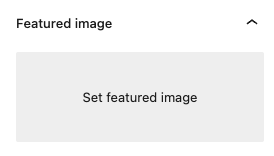
Located on the right side menu, you will be able to see a list of drop down options, firstly look for Featured Image and open this drop down.
Click on Set featured image. This will open the website’s media library (this is all of the images being used on site). This image is used as a thumbnail image for your events archive and also as a banner image on at the top of your event listing.
For this area, landscape images are highly recommended.
Excerpt
Located on the right side menu, you will be able to see a list of drop down options, firstly look for Excerpt and open this drop down.
This area is an open text field to be used for detailing quick introductory text to your event.