Front Page Slider
The Front Page Slider refers to the image slider that appears on the homepage of your site as shown below.

You can have up to ten images in the slider and they will automatically cycle through each of your images as a carousel. The images can have content placed on top as shown above.
Add image to slider
To add a new image to the slider, click ‘Add New Post’ at the top of the page.

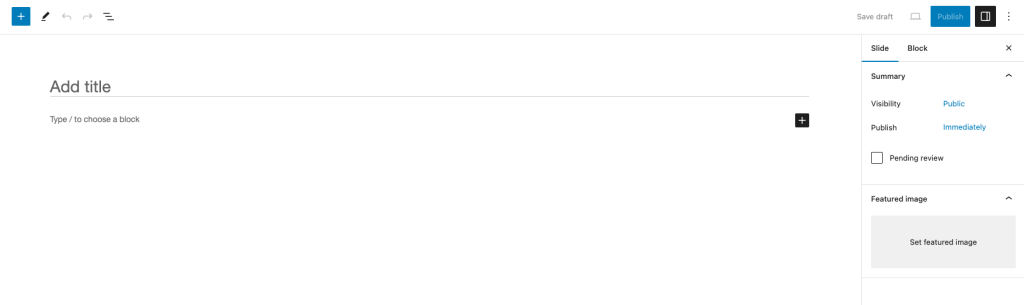
Once here, add in your content (heading, text, button etc.) and select a Featured Image on the right hand side and publish the page.