Posts
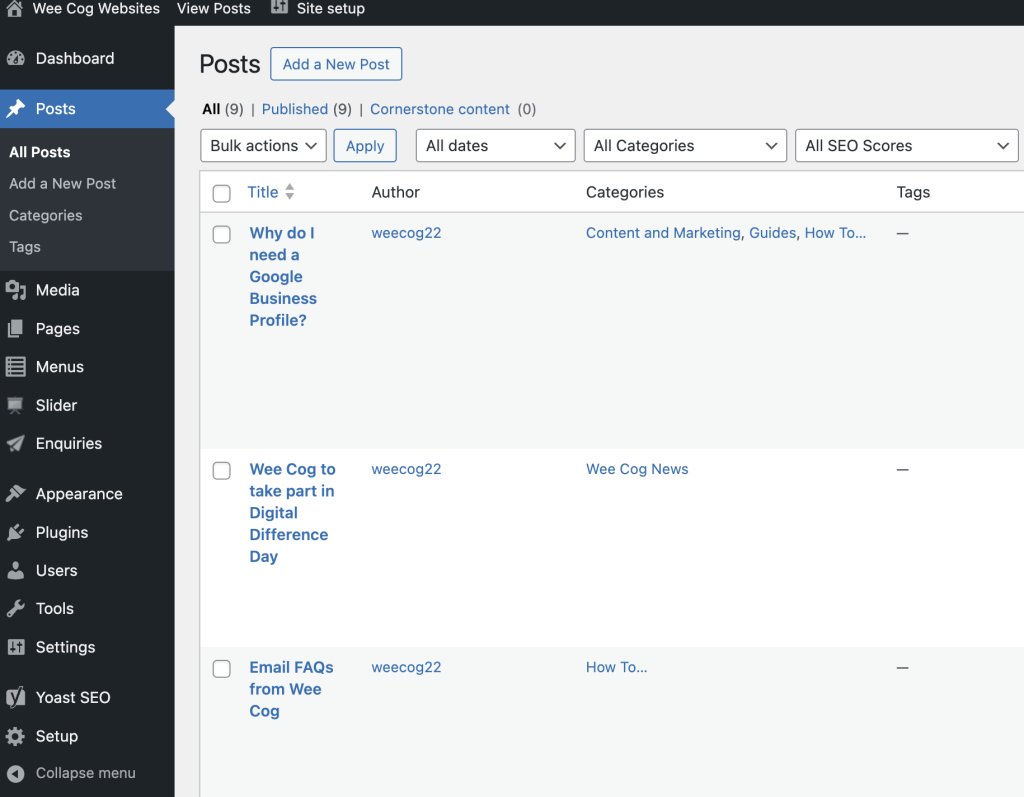
In the backend, select Posts on the left menu panel.
Select the post you want to edit or select ‘Add New Post’.
New Posts
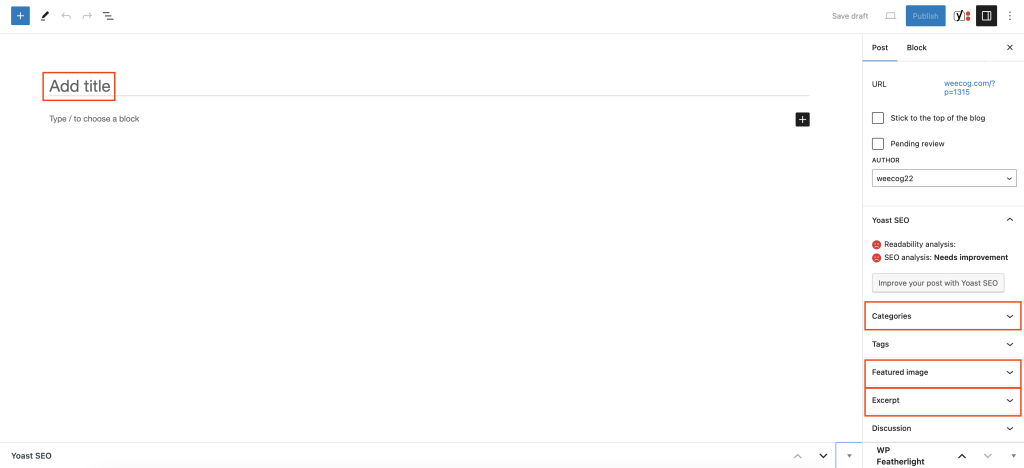
Setup areas for new Posts are listed in red in the image below
- Title – this will appear at the top of the post in the front end.
- Categories – this will attach your post to a specific category, clicking the drop down you will be able to to tick the applicable categories.
- Featured Image – This is the main image for the post, this will appear as the large image so we recommend this is a landscape image and high quality. Simply click on the drop down, select featured image, either drag and drop your image or select from the media library and hit set featured image.
- Excerpt – This is the small text appearing on the thumbnail for the post.